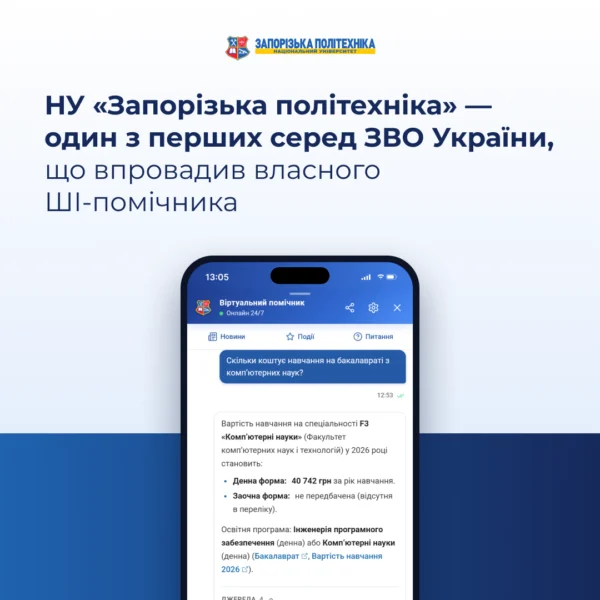
Zaporizhzhia Polytechnic National University is one of the first Ukrainian higher education institutions to implement its own AI assistant!

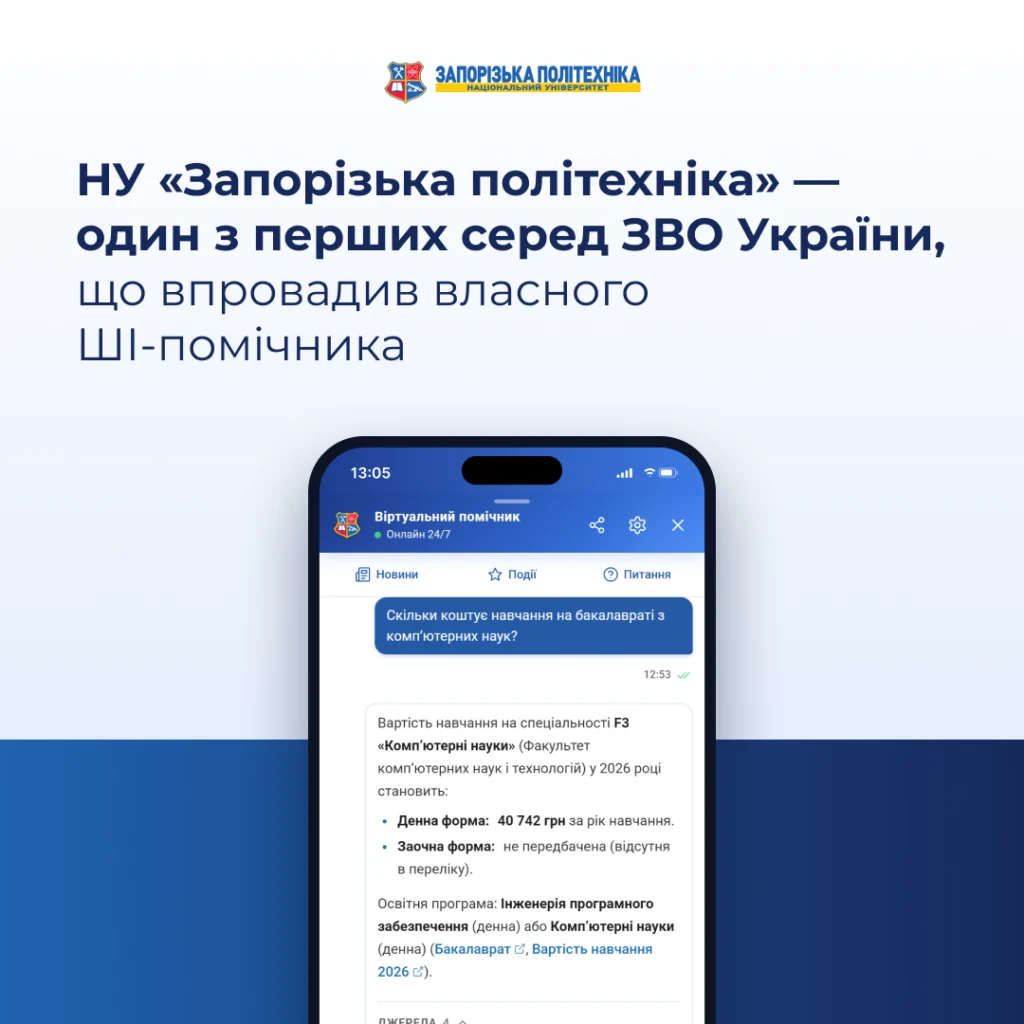
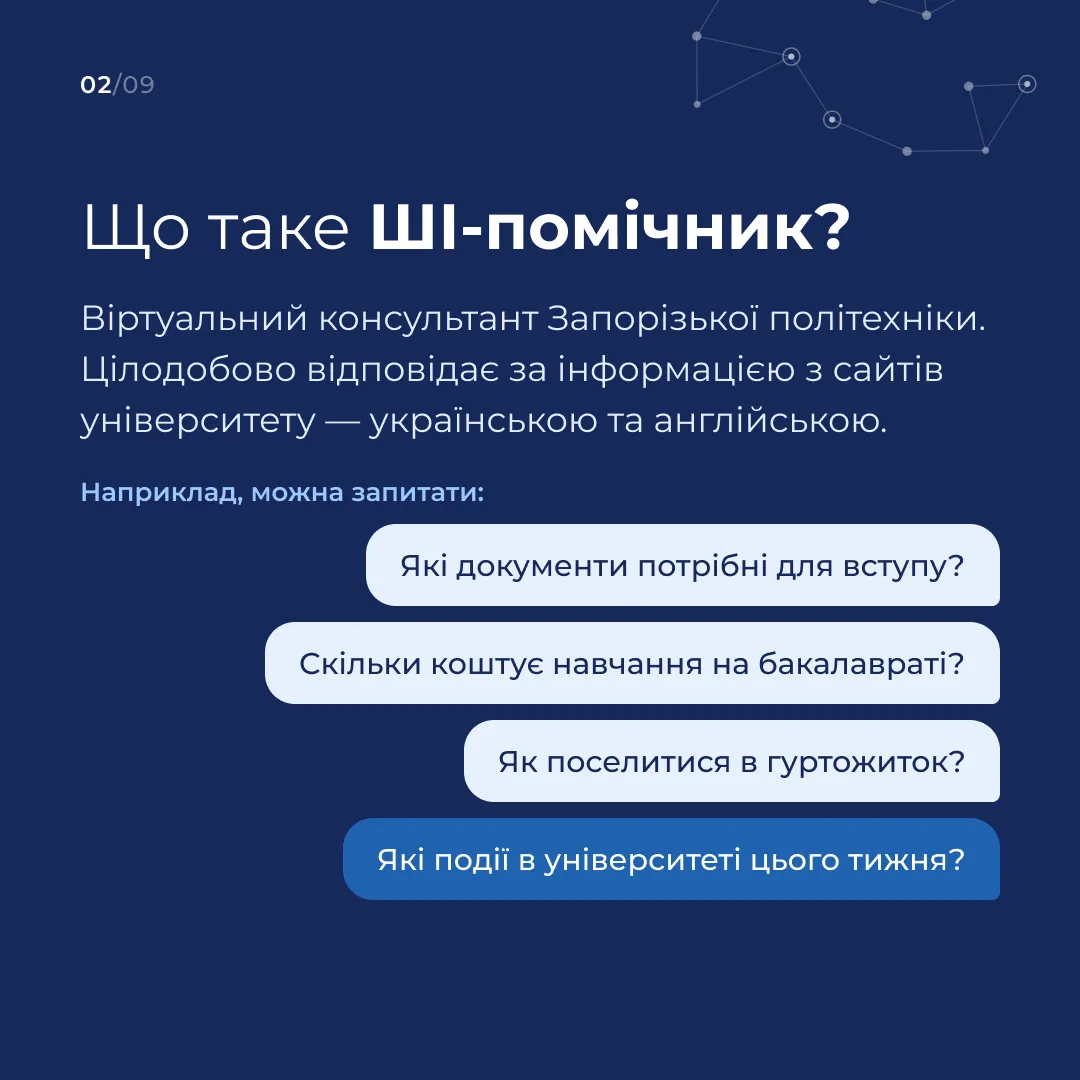
Zaporizhzhia Polytechnic National University has introduced its own AI assistant. Around the clock, it helps people find information about admission, studies, dormitories, university documents and events. Questions can be asked in Ukrainian or English on the university website, on the Admissions Office website and in Telegram.
How the assistant finds answers
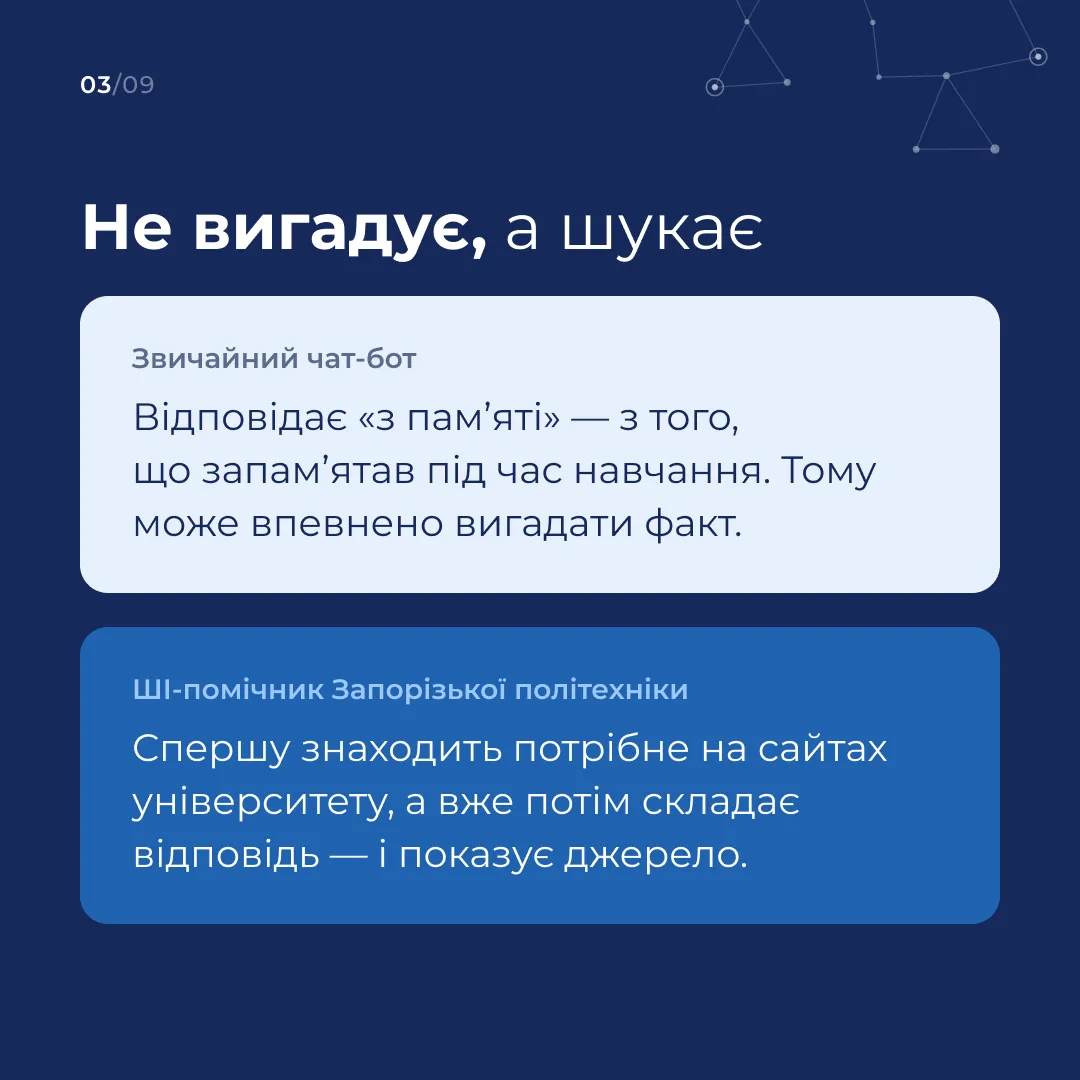
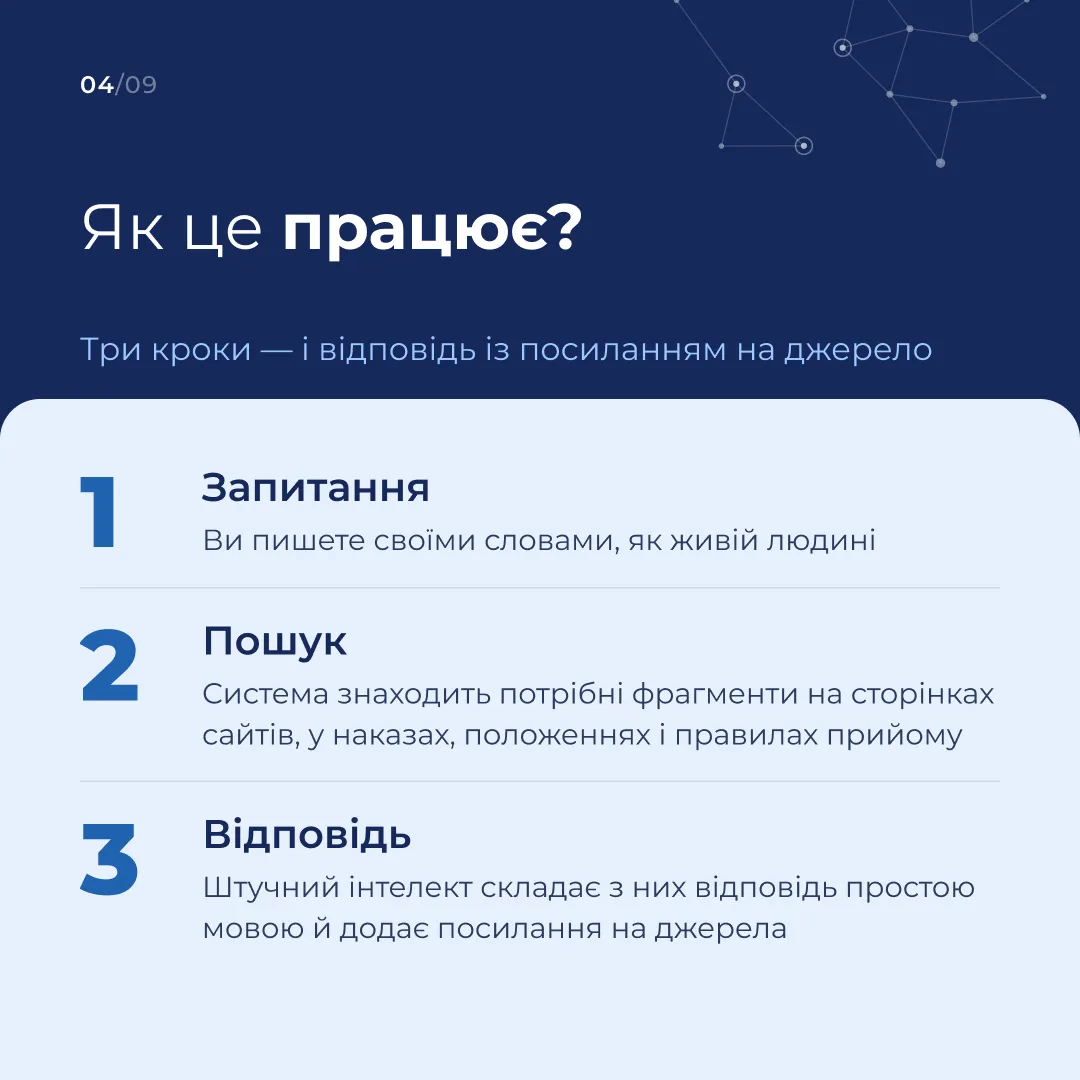
You can phrase a question in your own words. For example, “How much does the dormitory cost?” and “What is the price of accommodation on campus?” both lead to a search for information about accommodation fees. The assistant takes the meaning of the question into account and finds the relevant passages on the university’s two official websites — zp.edu.ua and pk.zp.edu.ua — and in the documents published there. These may be admission rules, orders, regulations, announcements or pages of university departments.
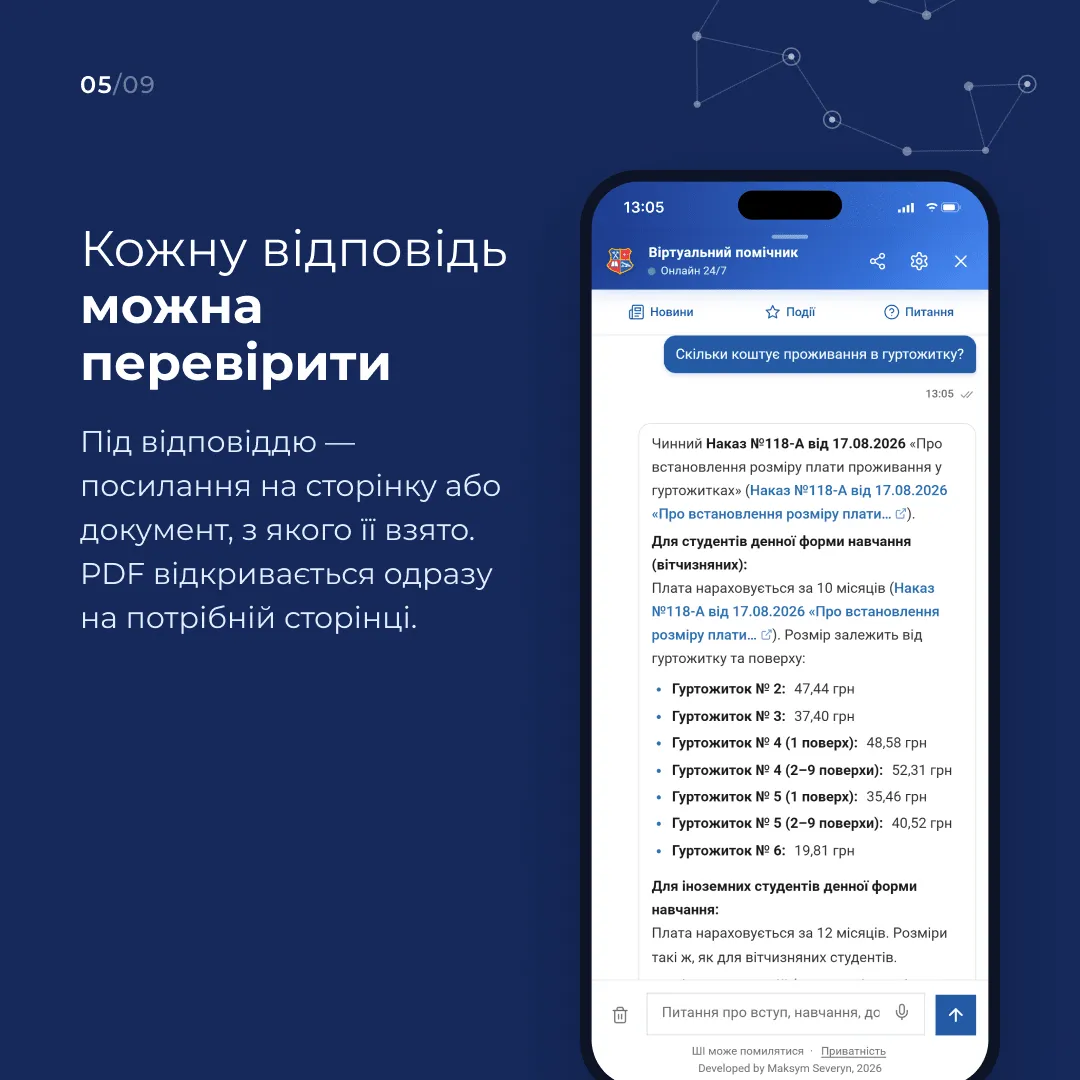
Based on the materials it finds, the assistant writes an answer in plain language and adds links to its sources. If the source is a PDF, the link can open the document right on the relevant page. This way you can check an amount, a date or a requirement against the original. If the published materials lack the information, the assistant can suggest which office to contact.
What you can ask about
Applicants and their parents can find out which degree programmes the university offers, where to find the list of required documents, how to apply, where the lists of applicants recommended for enrolment are published, and how much it costs to study the chosen speciality. When asking about fees or deadlines, it is best to state the year of the admission campaign, the level of study and, if needed, the mode of study.
Students can ask where to find the class timetable and the academic calendar, how to find the form they need, where the scholarship rules are published, or whom to contact about a place in a dormitory. University staff can use the assistant to find a published order, a regulation, a department’s contacts or an event announcement.
Try, for example, these questions:
- “Where can I find the list of documents for bachelor’s admission?”
- “How do I get a place in a dormitory, and whom should I contact?”
- “Where is the academic calendar for this academic year published?”
- “What events are taking place at the university this week?”
- “Where can I find information about admission for international applicants?”
What you can do in the chat on the website
The chat opens with the button in the corner of the page. Questions can be typed or dictated by voice. Quick-access buttons cover the most common topics, including admission, the timetable, tuition fees, working hours and the university’s location. At the start of a conversation you can say who you are — an applicant, a student, a staff member or another visitor. This helps the assistant select information that fits your request.
In the chat itself you can browse the latest news, open a full article, see upcoming events and add a chosen event to your calendar. The FAQ section offers a selection of frequently asked questions to start a conversation with.
Suggestions for continuing the conversation may appear under an answer. For example, after a question about admission documents, the assistant will offer to clarify the submission deadlines or the requirements for international applicants. An answer can be copied and rated with the “Yes” and “No” buttons. In the settings you can change the language and the text size or clear the chat history. On a computer the assistant’s window can be enlarged or expanded.
How to use the assistant in Telegram
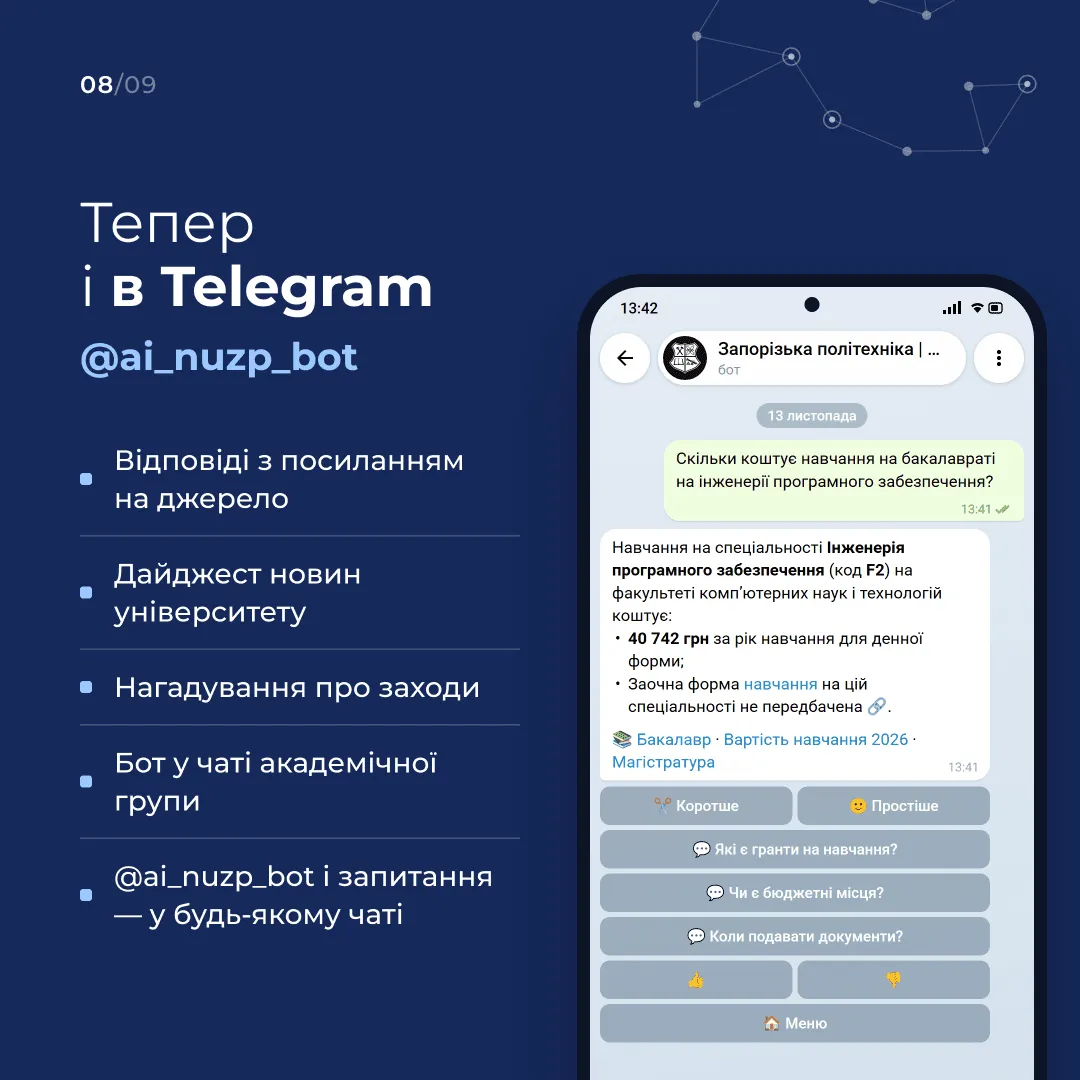
The @ai_nuzp_bot bot also answers with links to its sources. The “Shorter” button condenses an answer, and “Simpler” rephrases it in plainer language. Under an answer you can pick the next question or rate whether it was helpful.
In Telegram you can subscribe to a digest of university news and event reminders, and add the bot to your study group chat. If you need information during a conversation in another chat, type @ai_nuzp_bot and your question in the message field.
Developed by the university
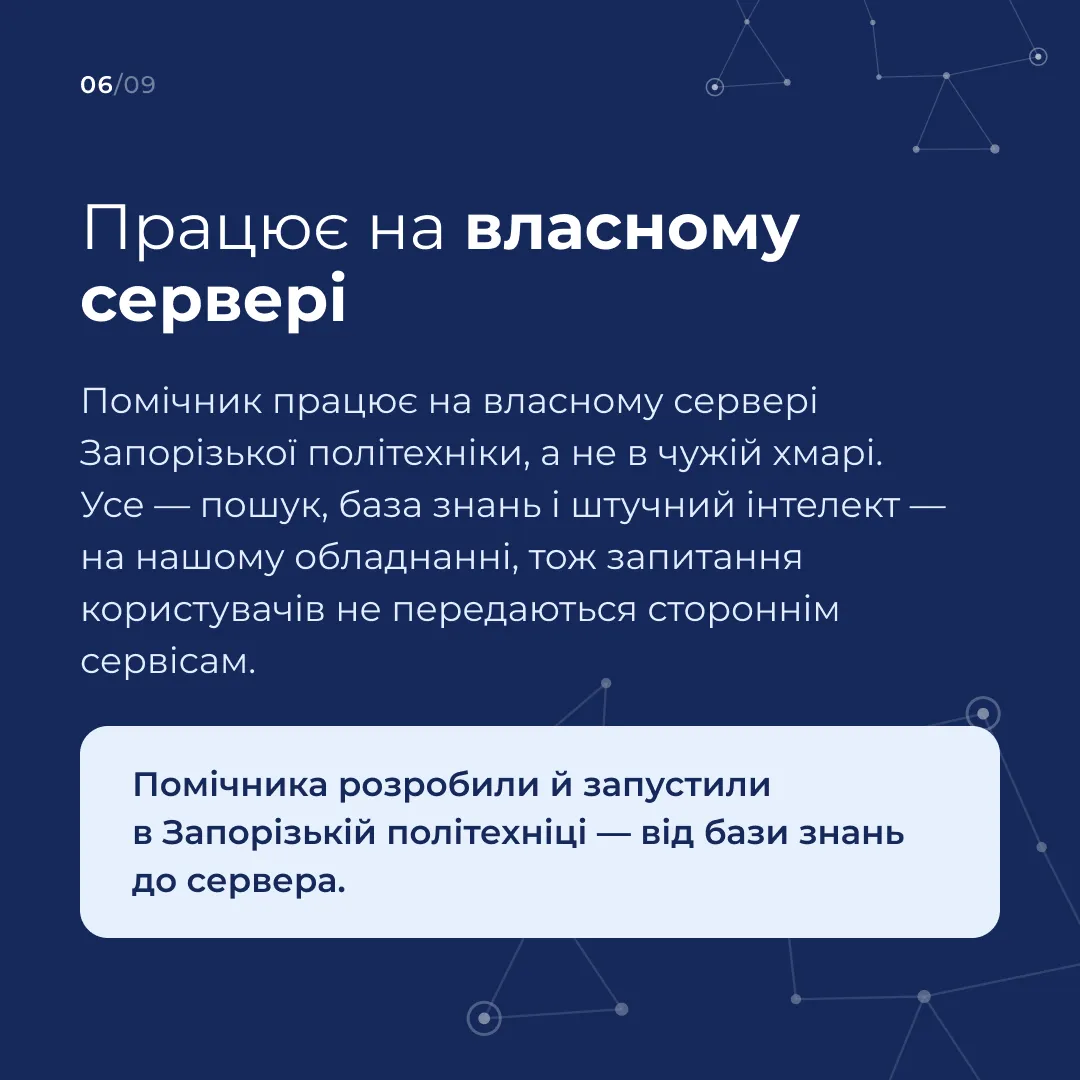
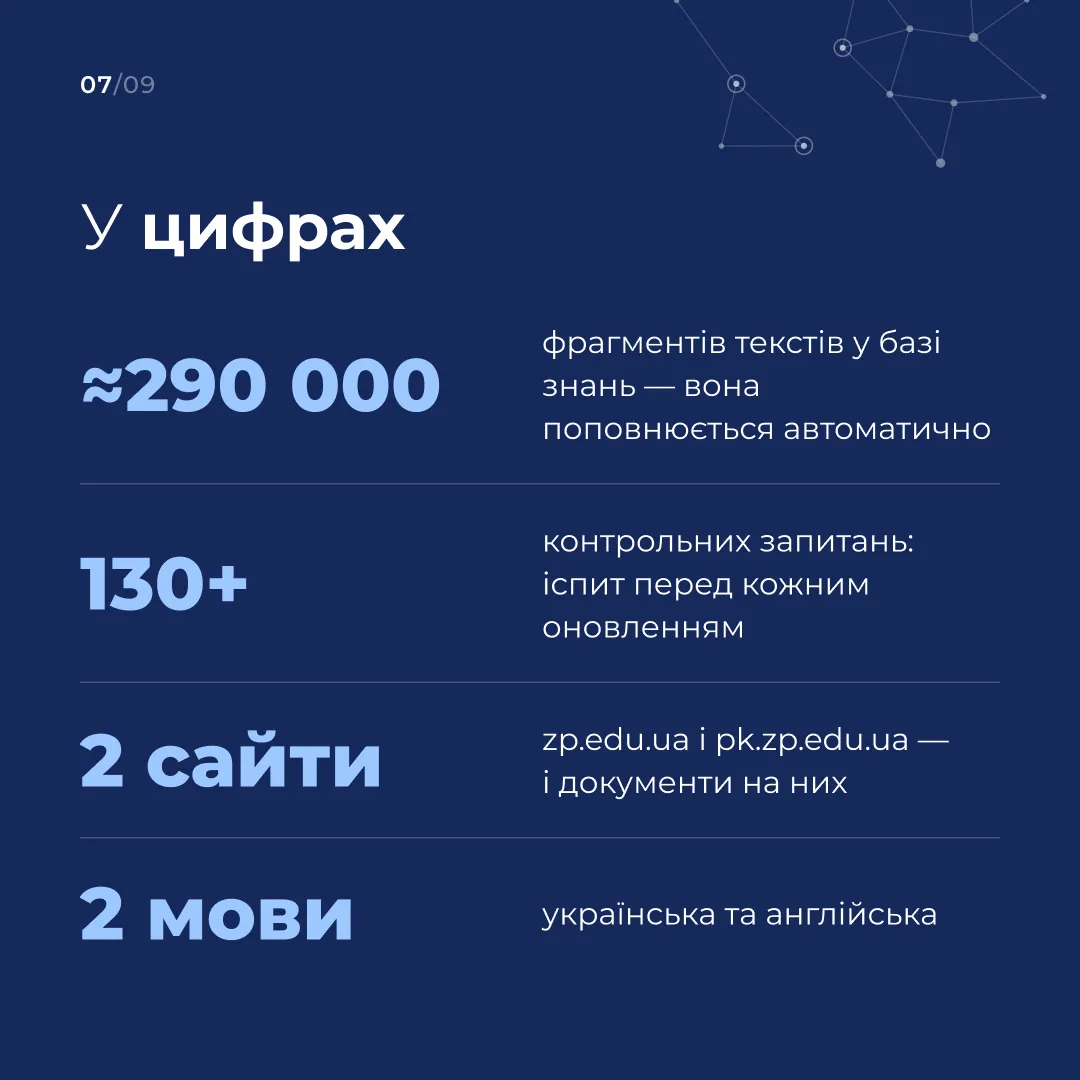
The assistant was developed and launched at Zaporizhzhia Polytechnic. The search, the knowledge base and the open language model that writes the answers all run on the university’s own server. The knowledge base covers hundreds of thousands of passages from web pages and documents and is updated automatically. Before every update, the assistant is checked against more than 130 test questions.
To improve the service, the texts of questions and answers in the web chat are kept for up to 90 days, after which the university keeps only anonymised statistics. Please check dates, amounts and requirements against the document linked under the answer. If you notice an inaccuracy, tap “No” on the website or 👎 in Telegram.
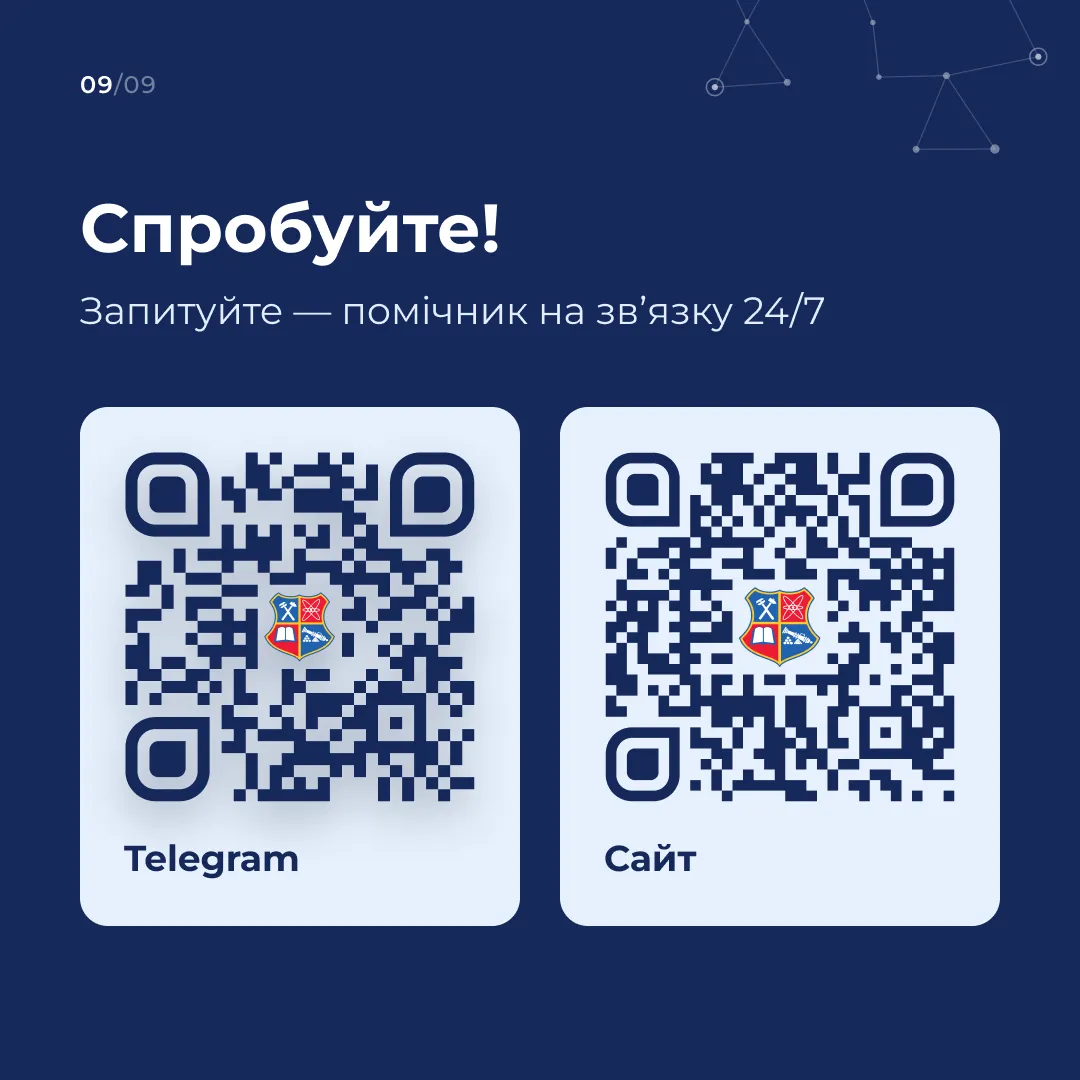
You can ask the assistant a question on the university website (zp.edu.ua/en/#ask-ai), on the Admissions Office website (pk.zp.edu.ua) or in Telegram (t.me/ai_nuzp_bot).